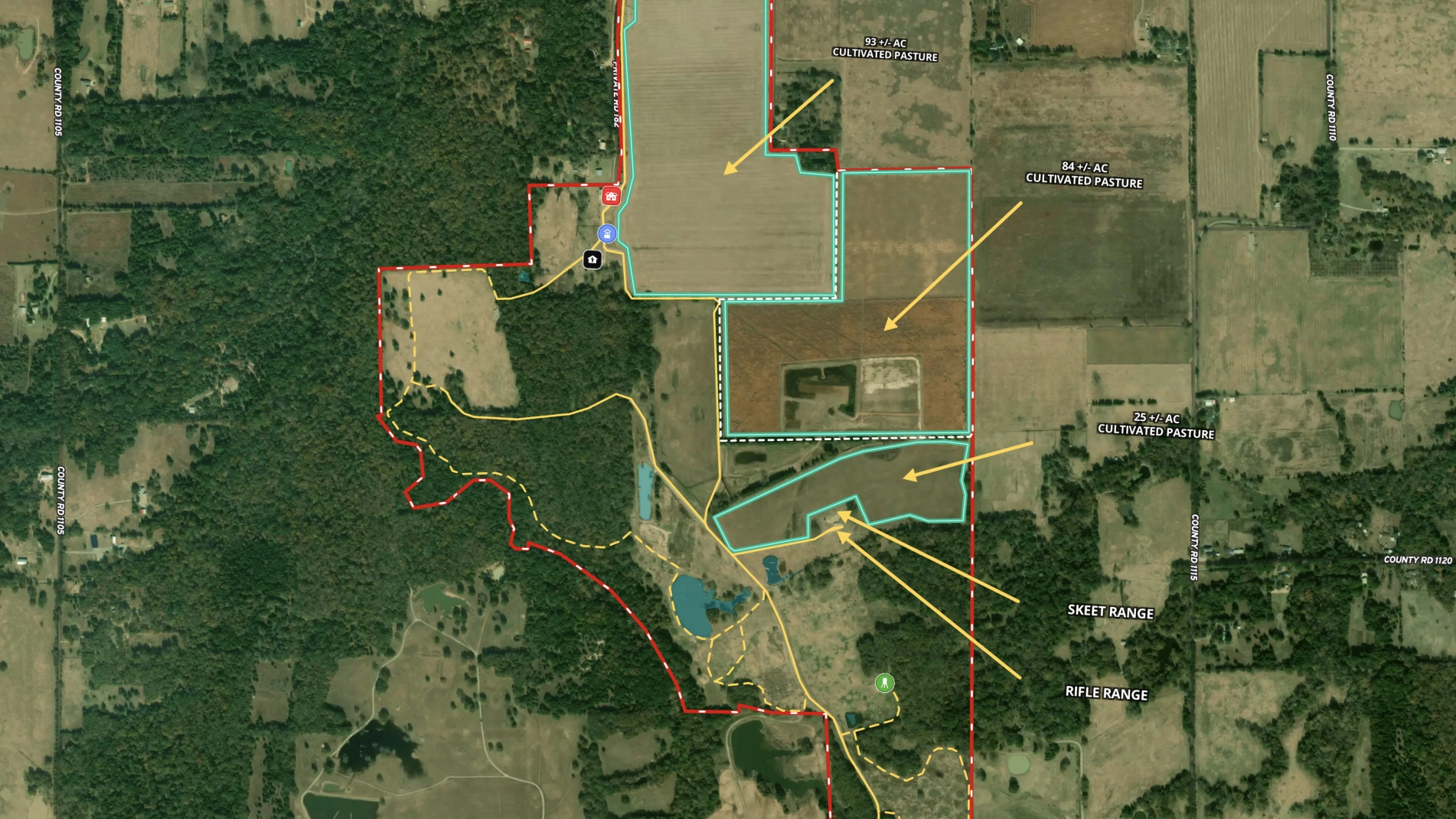
Harlan Ray, Principal and Broker Associate at Burgher-Ray Ranch Group, Briggs Freeman Sotheby's International Realty, has been a devoted Land id user for years. He vividly recalls creating his first major map—a sprawling 35,000-acre property in the Texas Panhandle. The seller was amazed by the detailed, professional map, a far cry from the old method of taping together printed abstracts to create a ranch map.
Now, a decade later, Harlan relies on Land id every day. "I use maps to build relationships," he explains. "Whether it’s creating an ownership map or preparing a property map before a listing appointment, it’s a powerful way to share my expertise."
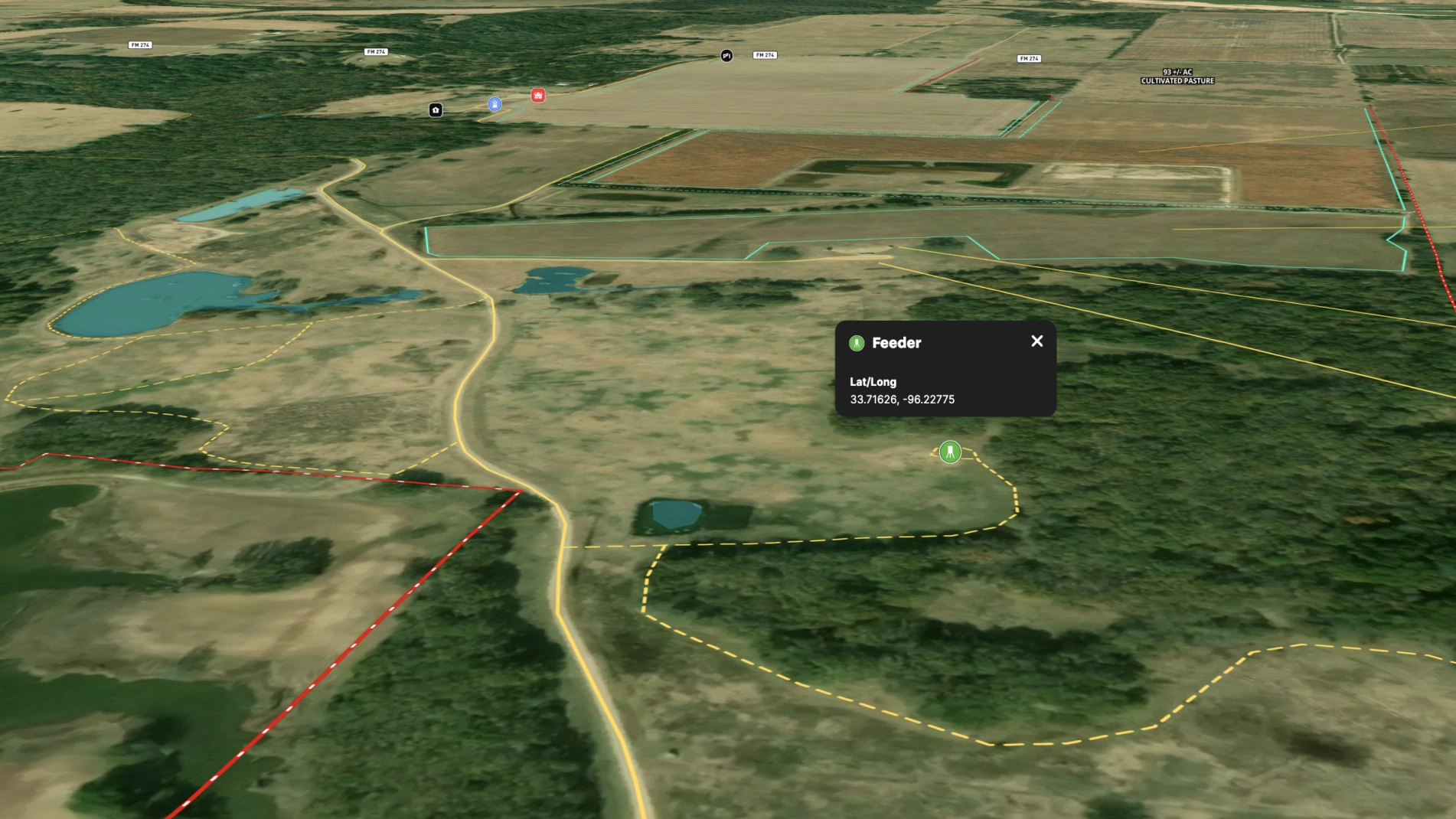
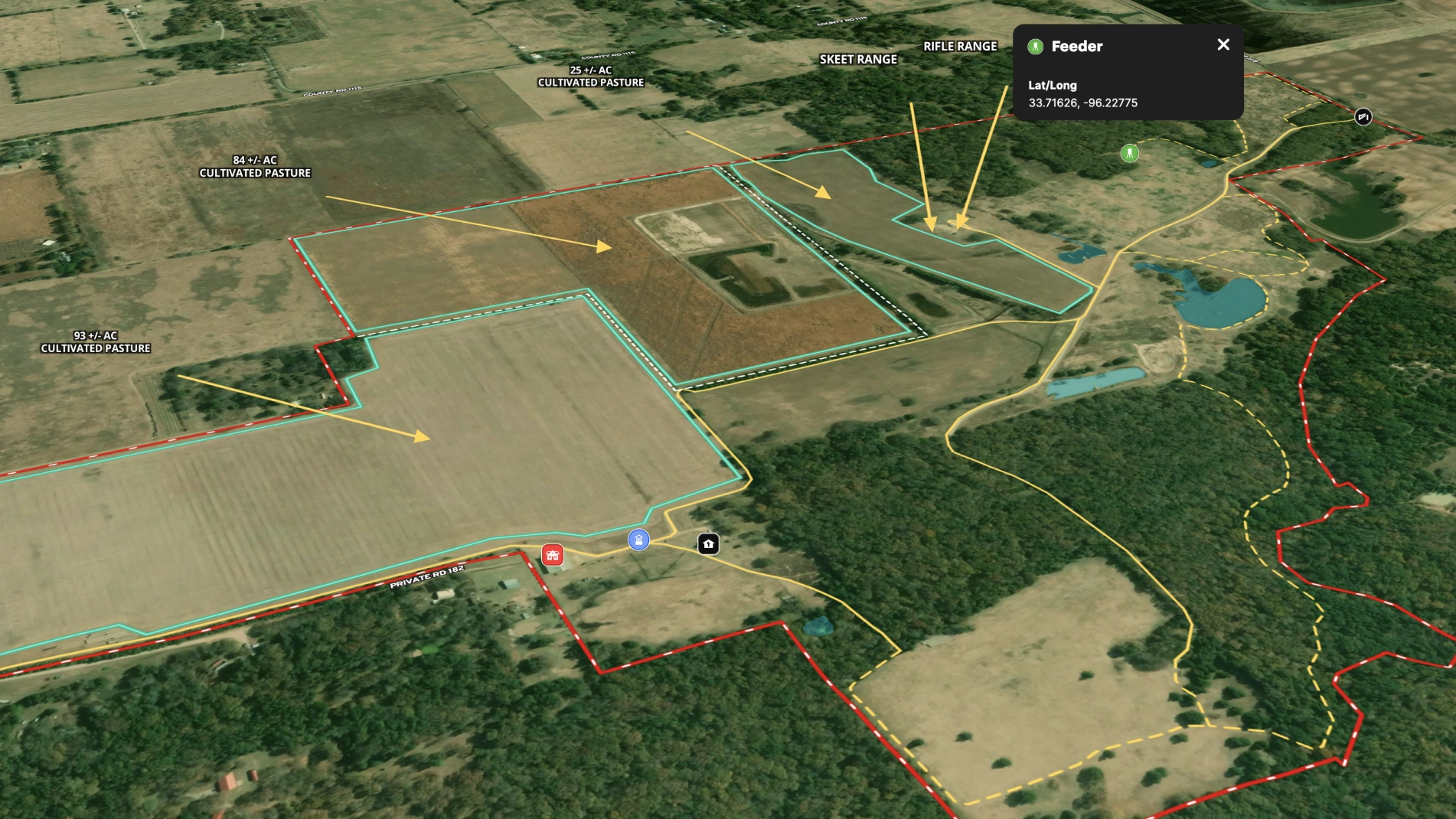
During property tours on properties like Sandy Creek Ranch, Harlan consistently uses Land id to enhance the experience. He pulls up the interactive map to show real-time location and reference important property details. Whether sharing his iPad so clients can follow along or providing printed maps for note-taking, he ensures his clients leave with a deep understanding of the property—and a tangible connection to it.
Learn How to Create a Map Like This:
- How to make maps in Land id
- Draw detailed maps using the feature palette
- Add labels to maps and mapped features
- Measurement tool
Keep Exploring
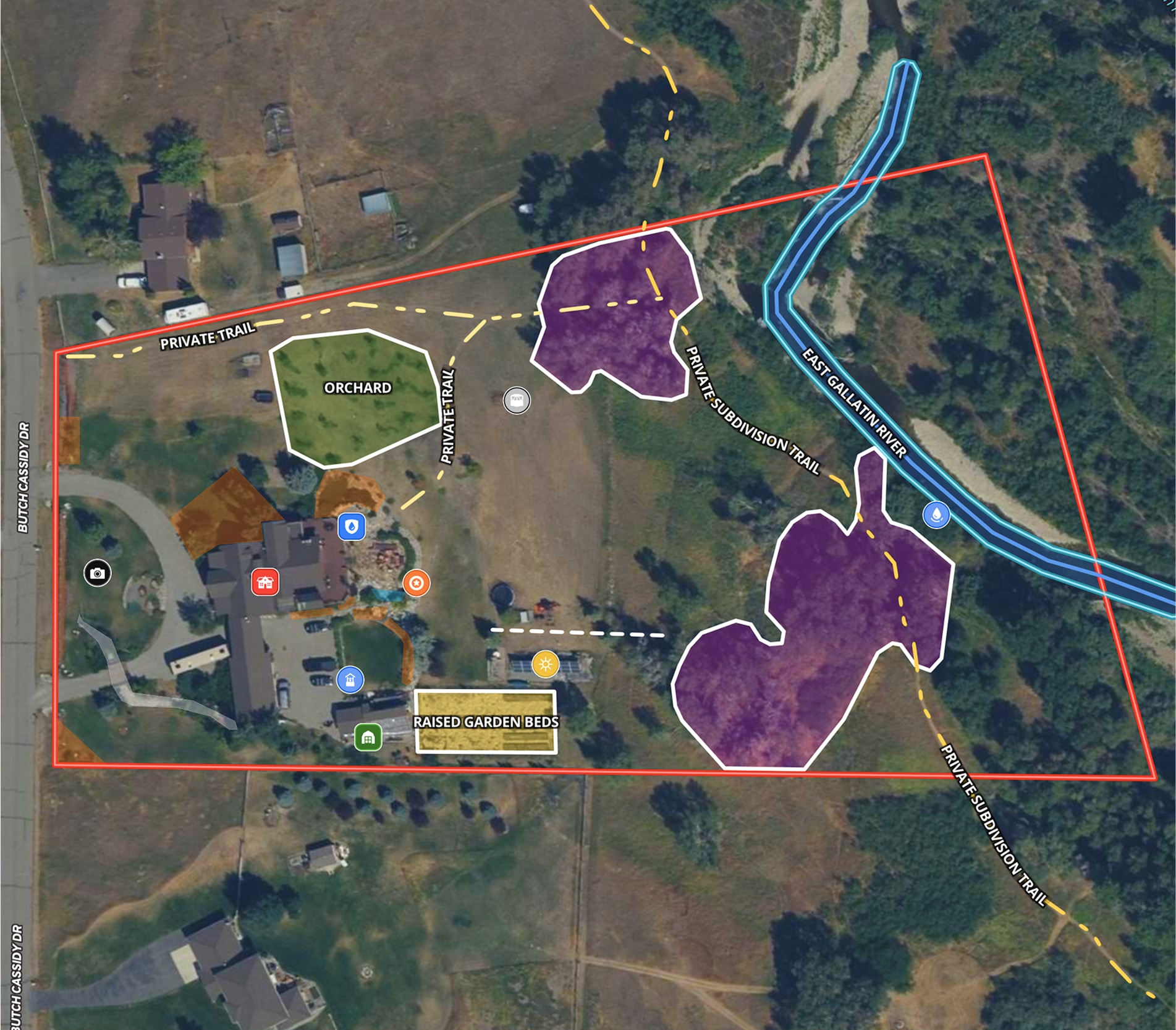

5.6 Acre Rural Listing in Bozeman, MT

Commercial Real Estate Off-Market Prospecting

Subdivided Lots for Sale
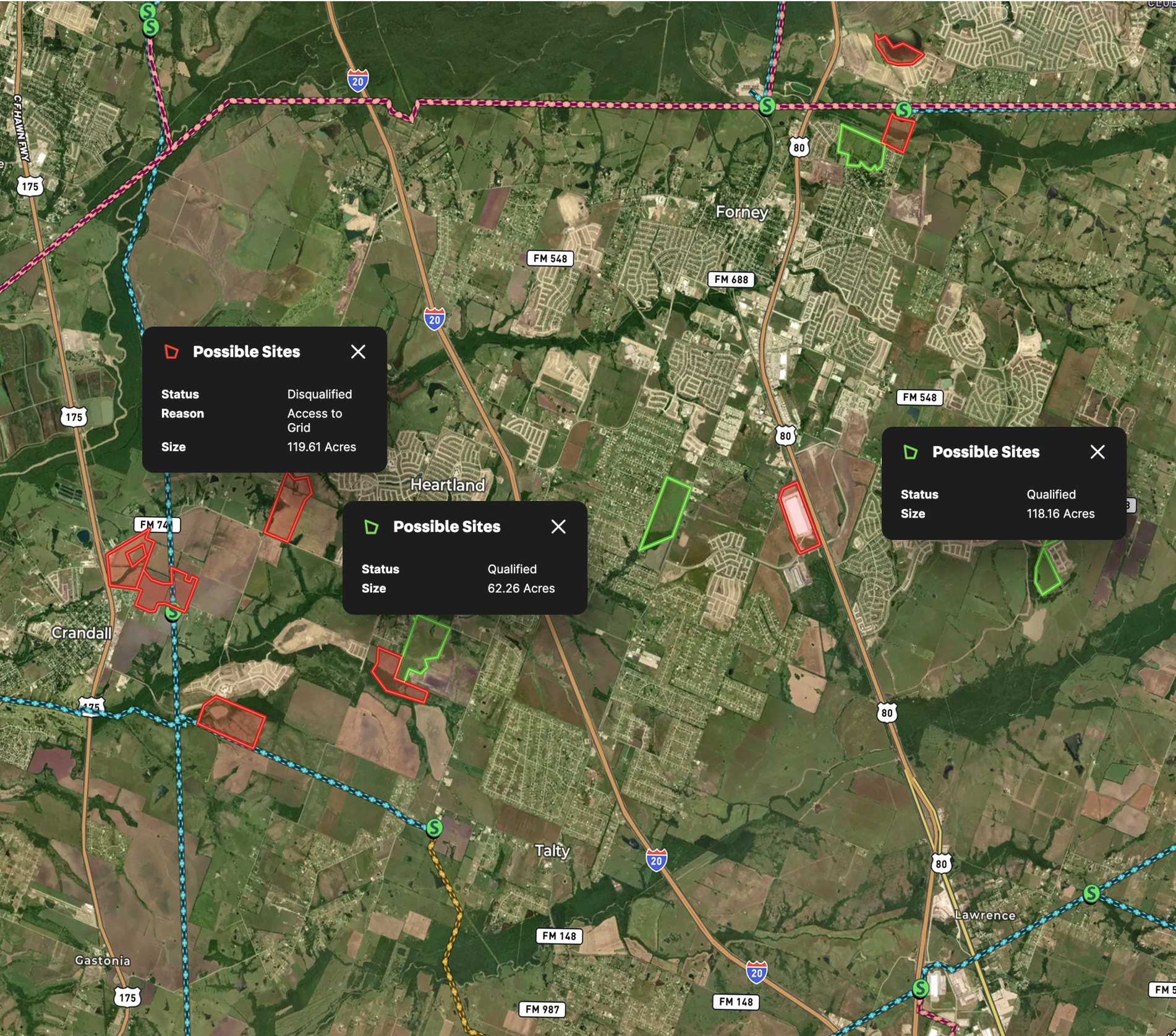
Data Center Development Site Analysis
Take Your Mapping to the Next Level
Mapping is just the beginning. Land id is the #1 tool for researching, discovering, and showcasing land, and we're here to help you make the most of it, every step of the way.